
CS2 UGC Tool — Steam Ban & Appeal Workspace
Appeals for banned CS2 accounts

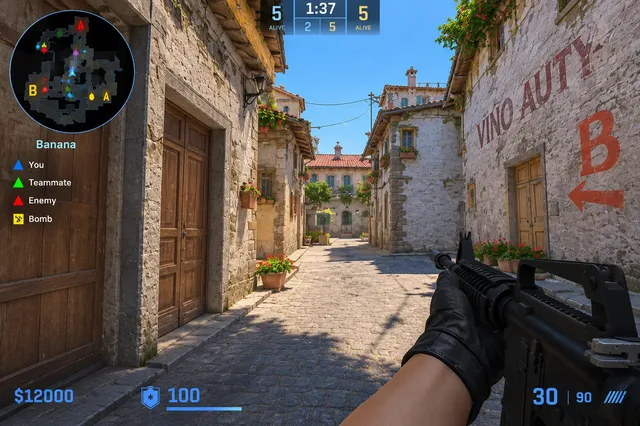
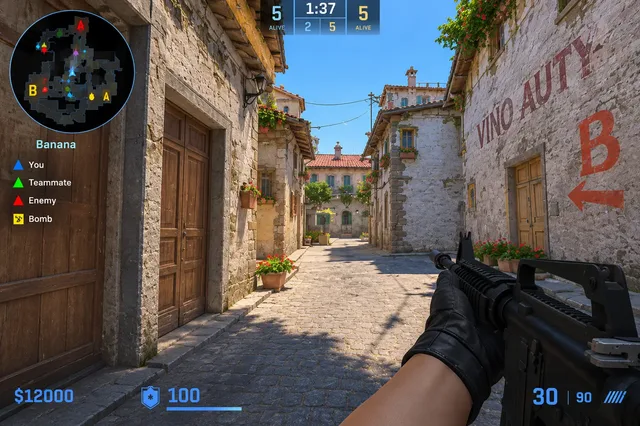
Player ESP & wallhack — Track banana and pit on Inferno before you swing into A site—distance tags help against AWPs holding coffins.
At a glance
CS2 UGC Tool — Steam Ban & Appeal Workspace CS2 cheat capabilities
What CS2 UGC Tool — Steam Ban & Appeal Workspace focuses on for Steam CS2 before you open the full module list.
Plus 6 additional modules in the operator portal—see the full list below.
Overview
Built around account recovery and appeal workflows
How this CS2 build fits Premier, Competitive, and VAC patch-day workflows.
UGC (Unban & Governance Control) is our CS2 account recovery workspace—structured appeal workflows for Steam holds, VAC actions and server restrictions, not instant unban guarantees.
Build custom dispute paths, track case status and rebuild your presence with smart restriction-management tools. Support walks you through each step via Discord when you need hands-on help.
What UGC covers
UGC (Unban & Governance Control) is an appeal workspace for Steam restrictions, VAC and server bans, trade holds and security flags. Build custom workflows, automate dispute steps and track case status from one dashboard—not a guaranteed unban service.
Realistic expectations
Some VAC bans cannot be reversed. UGC organizes evidence and follow-ups for Valve and server-owner review. Pair with [HWID Spoofer](/products/cs2-cheats/hwid-spoofer/) when hardware is flagged, or a new account when reputation is burned.
Modules
What's included in CS2 UGC Tool — Steam Ban & Appeal Workspace for CS2
Every CS2 module and overlay shipped with CS2 UGC Tool — Steam Ban & Appeal Workspace—toggle and tune in the operator portal.
- Custom appeal workflows
- Restriction dispute automation
- Case documentation templates
- Status tracking dashboard
- Identity verification guide
- Evidence upload structure
- Timeline tracker
- Follow-up response templates
- Multi-platform support
Experience
In the client · After you buy
Use the screenshots above for CS2 UGC Tool — Steam Ban & Appeal Workspace—below is what each layer means and how access works after checkout.
In-game layers
- Layer A
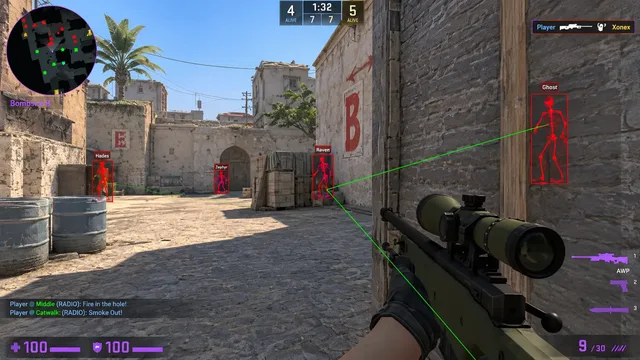
Player ESP & wallhack
Track banana and pit on Inferno before you swing into A site—distance tags help against AWPs holding coffins.
- Layer B
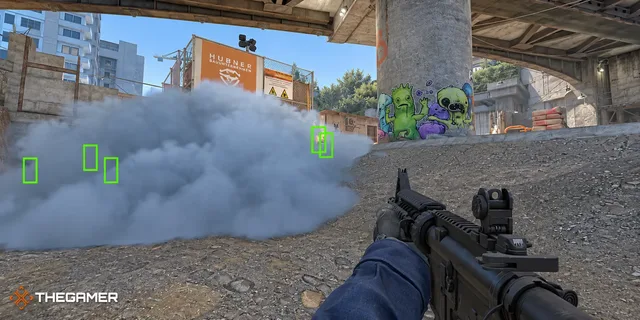
Player ESP through smoke
Bone ESP and glow remain readable when smokes block vision on executes and post-plant holds.
- Layer C
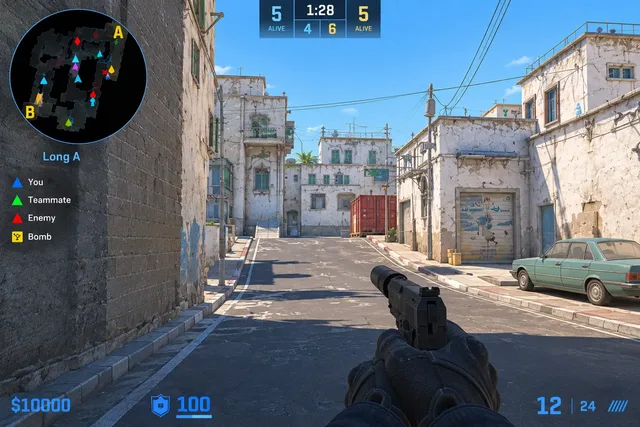
Radar & map control
Track rotates, bomb sites and wide courtyard fights with overlays that keep you oriented.
Guides
CS2 buy guides for CS2 UGC Tool — Steam Ban & Appeal Workspace
Curated CS2 articles for setup, tuning, and patch-day checks that match this product.

“VAC failed to initialize” in CS2 is often files or drivers, not a ban—fix steps first, then UGC or HWID if Steam stays locked.
Hardware ban after VAC on CS2? HWID spoofer steps vs a clean Steam account—and when UGC appeal tracking is the next move.
2026 CS2 checkout walkthrough—match queue to Lite, Pro or Elite, pay, open portal keys & test casual before Competitive.
Practice `sv_cheats` never carry to Premier—this guide splits CS2 console tricks from Lite, Pro & Elite loaders that work on Valve matchmaking.
Still losing info rounds on CS2? Map smoke stalls and eco mistakes to Lite ESP, Pro duels or Elite—without confusing trainers with queue tools.
Paid for CS2 access? Portal first, loader before Steam, conservative presets & a casual smoke test—first-session checklist before Premier queue.
FAQ
Questions about this page
Product-specific teasers—open See full FAQ for complete tier, VAC, and checkout answers.